Use Registry Bouncer to Stop NPM Supply Chain Attacks
Introducing Registry Bouncer, ready for your CI/CD
If you read my last post, you know that I recently had my crypto wallet drained by a fake Polymarket copy-trading bot. The attackers used a supply chain attack, hiding malicious NPM packages deep inside the project by hijacking the resolved URL in the package-lock.json file.
Writing the technical post-mortem was satisfying, but I knew I couldn’t just stop there.
Today, I am excited to announce the release of my new open-source security tool: Registry Bouncer, now live on the GitHub Actions Marketplace!
The Problem: npm install is a Trap
The core issue with these supply chain attacks is how CI/CD pipelines traditionally handle dependencies. Attackers use techniques like typo-squatting or dependency confusion to alter a project’s package-lock.json. They change the registry URL of a legitimate-looking package to point to their own malicious server.
If your GitHub Actions workflow simply runs npm install or npm ci to build the project, it is already too late. The malicious package is downloaded, and any malicious postinstall scripts are immediately executed on your CI runner with access to your environment variables.
We need a way to inspect the lockfile before any installation happens.
The Solution: Meet Registry Bouncer
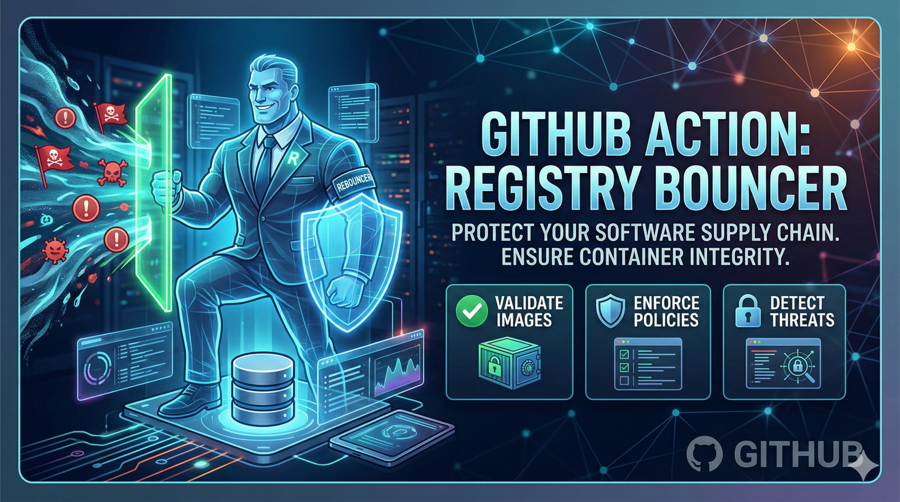
Registry Bouncer is a zero-configuration GitHub Action that stands at the gate of your repository and blocks malicious NPM packages from ever entering your codebase.
Instead of relying on complex vulnerability scanners that only look for known CVEs, Registry Bouncer takes a zero-trust approach to package registries.
✨ Key Features
- Pre-Install Execution: It parses your
package-lock.jsonnatively without runningnpm install. Malicious scripts never get the chance to execute. - Strict Whitelisting: It extracts every
resolvedURL in your dependency tree and cross-references them against a strict list of trusted registries (like the official NPM registry, Yarn, and GitHub Packages). - Automated PR Blocking: If a rogue URL is detected (e.g.,
https://scammer-domain.com/malware.tgz), the Action immediately exits with a failure code, turning the CI check red and blocking the Pull Request from being merged. - Beautiful UI Reports: It generates a clean, detailed Markdown table directly in your GitHub Actions Job Summary showing exactly which packages failed the check.
- Automated Security Advisories: If you enable the
create_pages_reportparameter, the Action will automatically generate and commit a Jekyll-formatted security advisory to your repository’s_postsdirectory to publish on GitHub Pages!
How to Use It
Using Registry Bouncer is incredibly simple. You don’t need to configure any complex rules. Just drop this step into your existing GitHub Actions workflow (e.g., .github/workflows/security.yml):
name: Security Checks
on:
push:
branches: [ "main" ]
pull_request:
branches: [ "main" ]
jobs:
scan-lockfile:
name: Scan NPM Registries
runs-on: ubuntu-latest
steps:
- name: Checkout Code
uses: actions/checkout@v4
- name: Run Registry Bouncer
uses: carlesloriente/registry-bouncer@v1.1.0
Make sure to check the Marketplace for the latest version tag!
Check the Demo
Want to see exactly how Registry Bouncer stops an attack in a real CI/CD pipeline?
I have set up a Live Demo Repository. This demo uses a recreated, defanged version of the original malicious Polymarket bot that inspired this tool. Head over to the Pull Requests or Actions tab in that repo to see Registry Bouncer catching the rogue keccak256-helper and encrypt-layout-helper dependencies, blocking the merge (if PR), and generating the automated report!
Securing third-party dependencies
Open source doesn’t always mean safe. We have to be vigilant about auditing our dependency trees.
I built Registry Bouncer to make that vigilance automatic. It is completely free and open-source. If you are building Node.js applications —whether they are crypto bots, enterprise backends, or simple side projects— I highly encourage you to add it to your CI/CD pipelines.
You can find the action on the GitHub Marketplace here.
Stay safe out there, and let’s keep building!
If you found this tool helpful, please consider starring the repository on GitHub and sponsor me for more security deep-dives and tools.
Tags:
Found a snippet that saved your day? Consider dropping a tip!